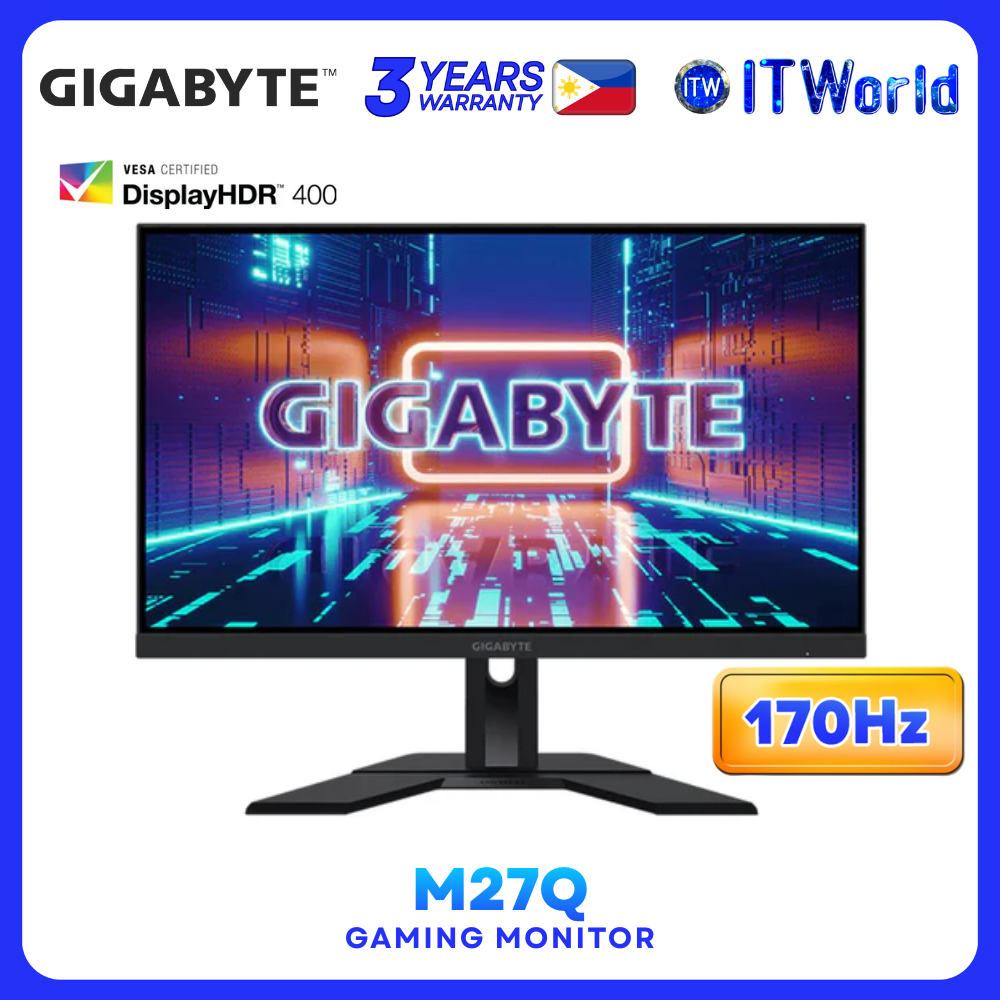


Product Name: ITW | Gigabyte M27Q 27"(2560 x 1440),165Hz/OC170Hz, SS IPS,1ms Flicker-Free Gaming Monitor (M27Q-AP)
Specification
✎ Panel Size (diagonal): 27” SS IPS
✎ Display Viewing Area (HxV): 596.736 x 335.663 mm
✎ Panel Backlight/ Type: Edge
✎ Display Surface(non-glare/ glare): Non-glare
✎ Color Saturation: 95% DCI-P3
✎ True Resolution: 2560 x 1440(QHD)
✎ Pixel Pitch: 0.2331(H) x 0.2331(V) mm
✎ Brightness: 350 cd/m2 (TYP)
✎ Contrast Ratio: 1000:1
✎ Viewing Angle: 178°(H)/178°(V)
✎ Display Colors: 1.07B
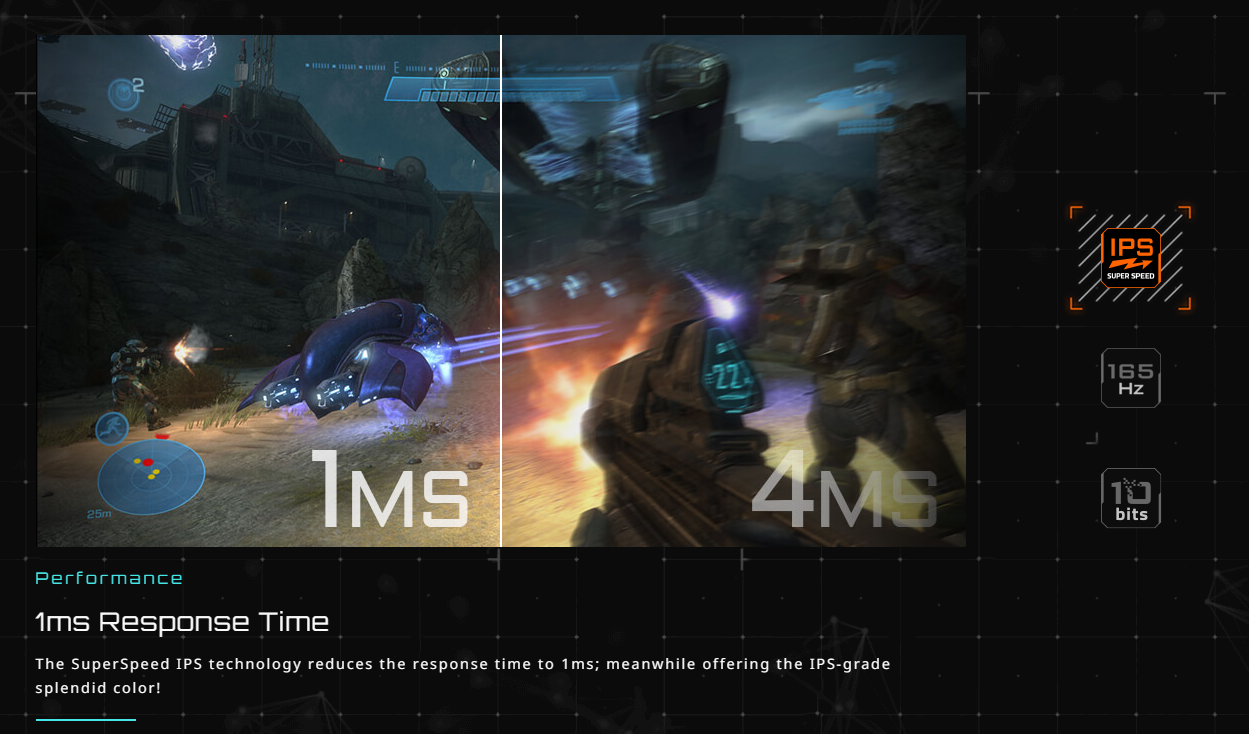
✎ Response Time: 1ms MPRT
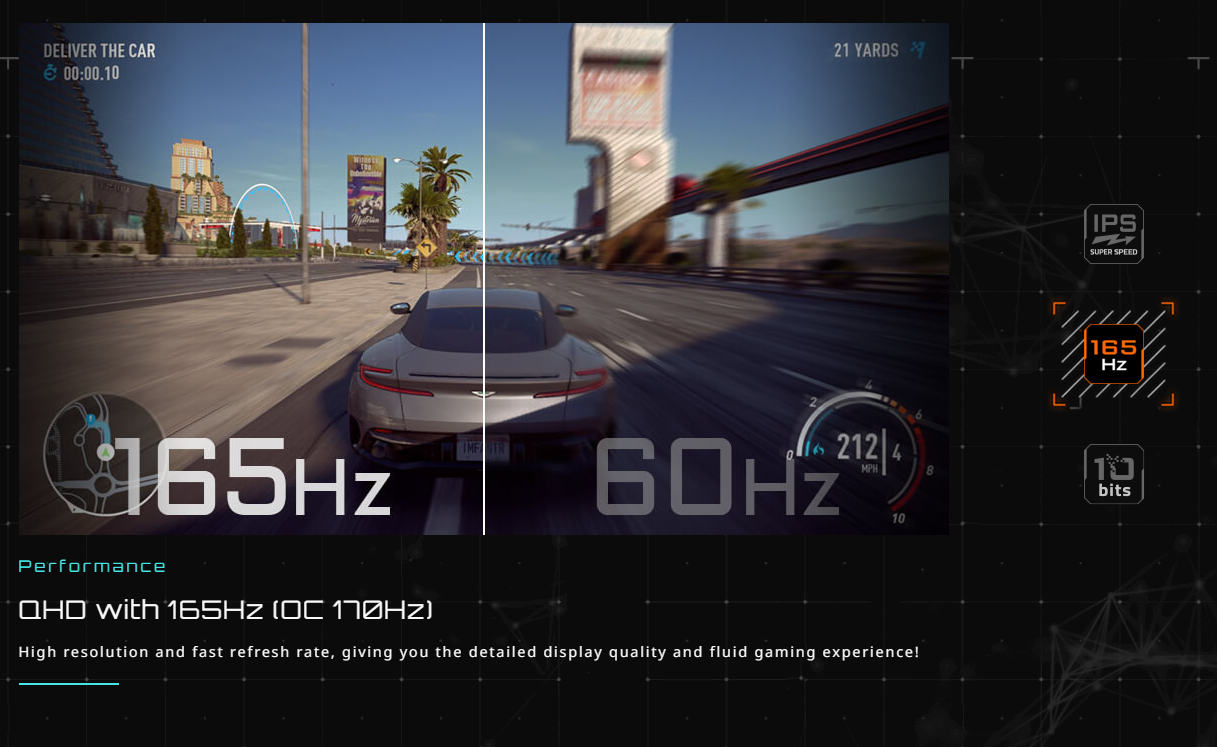
✎ Refresh Rate: 165Hz/OC 170Hz
✎ HDR: VESA DisplayHDR400
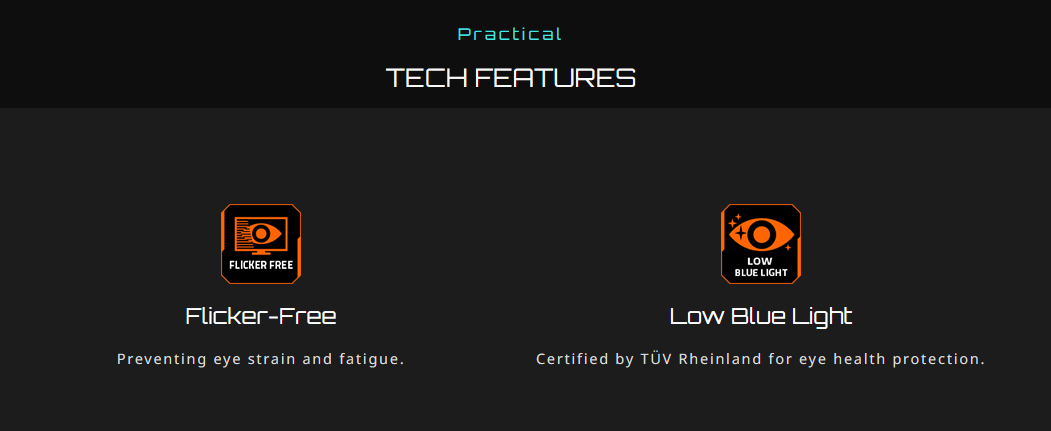
✎ Flicker-free: Yes
✎ HBR3: Yes
✎ Connectivity
■ 2 x HDMI 2.0
■ 1 x Displayport 1.2
■ 1 x USB Type-C (Alternate Mode; Upstream port; Power Delivery up to 10W)
■ 2 x USB 3.0 Downstream ports
■ 1 x USB 3.0 Upstream port
■ 1 x Earphone Jack
■ Speaker: N/A
✎ Unique Features
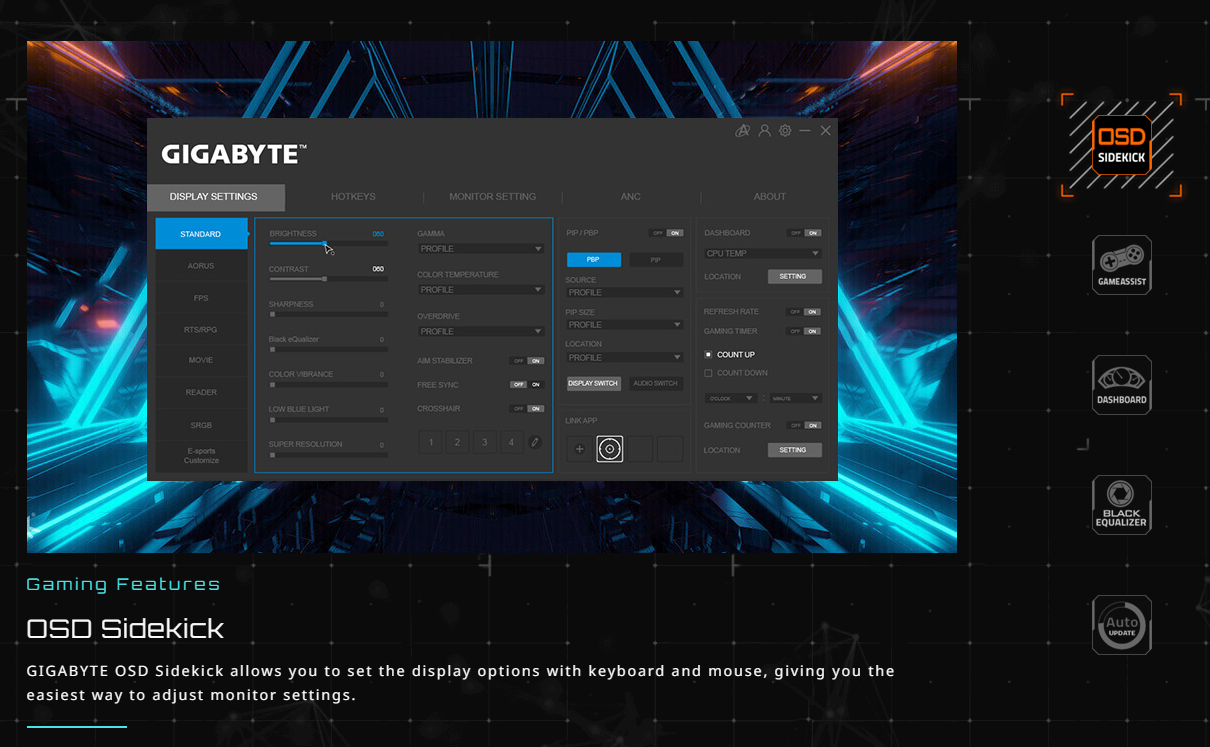
■ OSD Sidekick **
■ Aim Stabilizer Sync
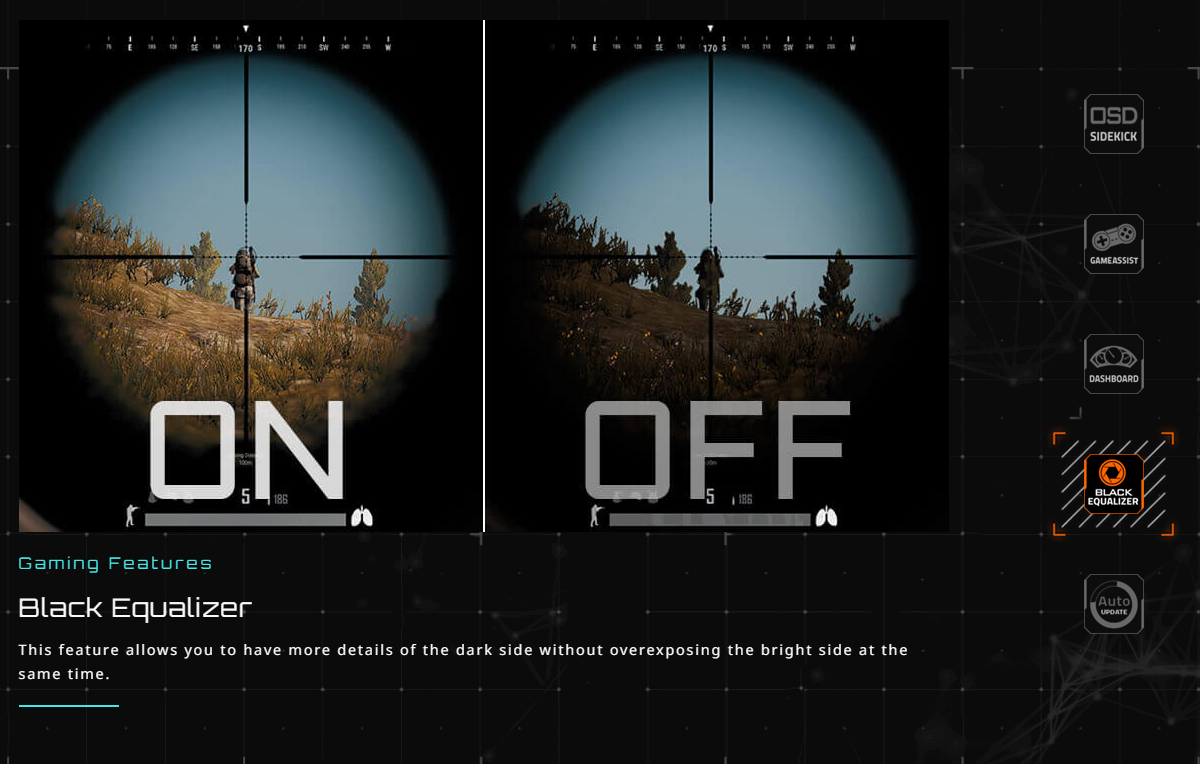
■ Black Equalizer
■ Dashboard
■ Crosshair
■ Timer
■ Counter
■ PiP/PbP
■ Auto-Update
■ KVM
■ 6 axis Color Control
■ Smart OD
■ Eagle Eye
✎ Power Type: Power adapter
✎ Power Consumption: 28W*
✎ Power Saving Mode: 0.5W
✎ Power Off Mode: 0.3W
✎ Voltage: 19VDC 3.42A
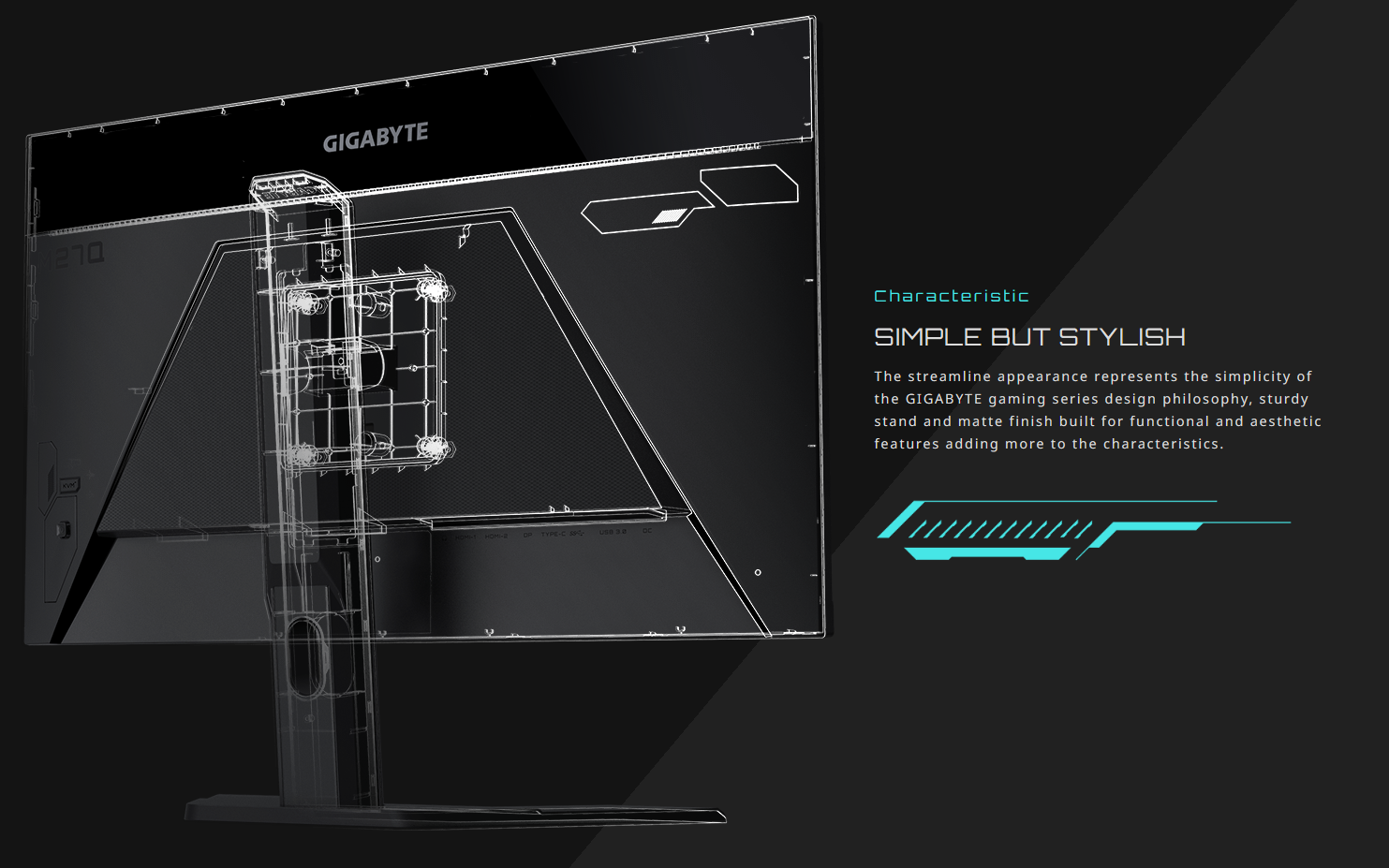
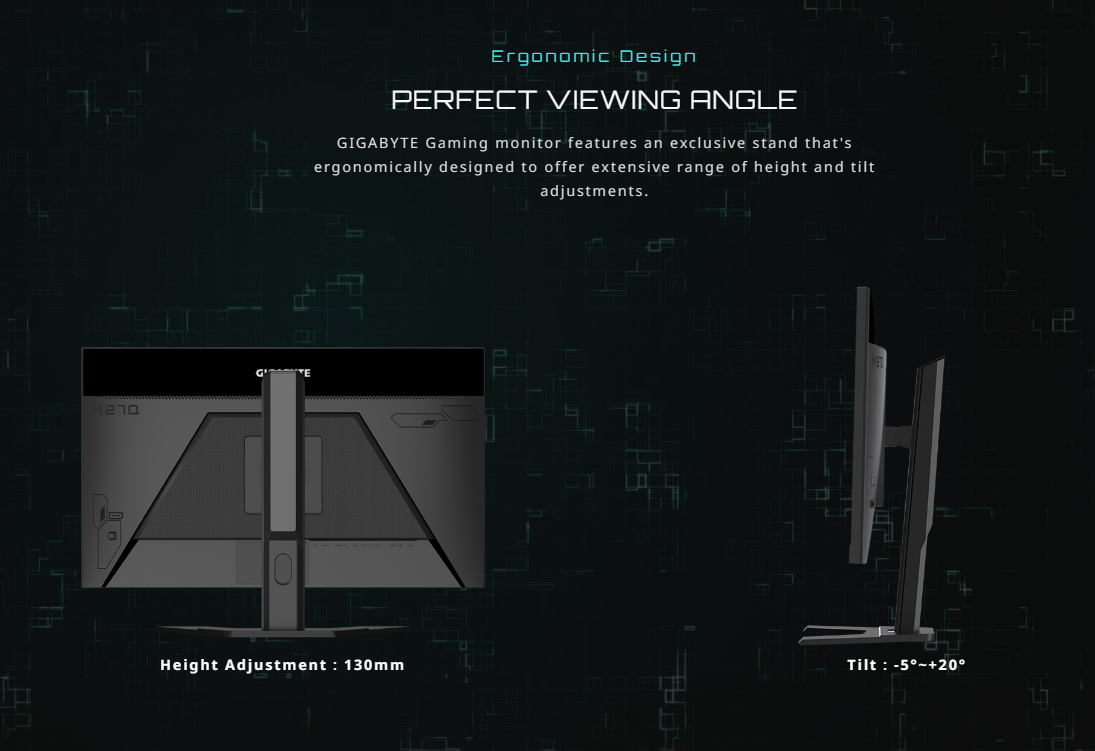
✎ Tilt(angle): -5°~+20°
✎ Swivel(angle): N/A
✎ Pivot(angle/direction): N/A
✎ Height Adjustment (mm): 130 mm
✎ VESA Wall Mounting(mm): 100*100 mm
✎ Kensington lock: Yes
✎ Phys. Dimension with Stand(WxHxD): 615.11*535.66*193.63 mm
✎ Phys. Dimension w/o stand (WxHxD): 615.11*367.35*42.21mm
✎ Box Dimension (WxHxD): 720*470*200 mm
✎ Net Weight with stand (Esti.): 5.2 kg
✎ Net Weight without stand (Esti.): 3.5 kg
✎ Gross Weight (Esti.): 7.8 kg
✎ Accessories: Power cable/HDMI cable/DP cable/USB cable/QSG/Warranty card
✎ Note
■ The test condition follows CEC standards.
■ To enable OSD Sidekick, it requires connection between PC and monitor with USB (A-Male to B-Male) cable.




✅Reminders:
1. Take a video of yourself while unboxing the parcel. This would serve as proof if you have concerns with the parcel.
2. Ask the delivery rider to present a valid ID (e.g., driver’s license, UMID) and/or take a picture of the delivery rider with your payment.